Why this matters to fast typists
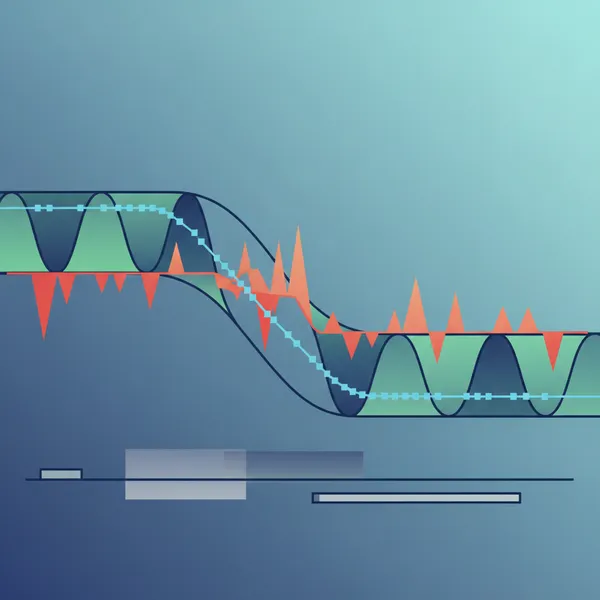
If you care about typing latency—the time from keystroke to the caret actually moving—Windows 11 just gave you a new variable to test. A June 2026 update introduced a Low Latency Profile (LLP) that briefly pushes CPU clocks higher during foreground interactions. The pitch: snappier UI actions and possibly lower keystroke-to-caret delay; the catch: higher power draw. (windowscentral.com)
Microsoft and the press describe LLP as an automatic, invisible nudge that can last roughly one to three seconds, targeting the kinds of micro-bursts you feel when opening Start, popping a context menu, or launching apps. Some reports even cite up to 40% faster app launches and 70% quicker flyouts, though availability is rolling out gradually. (windowscentral.com)
What the Low Latency Profile actually does
- LLP is included with the June 9, 2026 cumulative update (KB5094126) for Windows 11 24H2/25H2 and enabled via a controlled feature rollout. There’s no normal Settings toggle; it’s designed to run in the background. (windowscentral.com)
- Several outlets report the burst lasts 1–3 seconds and focuses on interactive tasks (Start, Search, flyouts). Some Microsoft Q&A posts say the early scope is mostly shell interactions—not full apps—so don’t assume your editor’s typing loop always gets the same boost. (windowscentral.com)
- Availability expanded via an optional June preview (KB5095093) for more PCs. If you don’t see it yet, that’s normal with controlled rollouts. (windowslatest.com)
Typing latency 101: keystroke-to-caret delay
For typists, the key sensation is keystroke-to-caret delay—roughly from the keyboard’s key-down event to when the caret (text cursor) advances on-screen. In Win32 terms, text handling and caret updates trace through keyboard messages (for example, WM_CHAR) and the app’s paint path. That makes the delay a blend of input delivery, the app’s processing, and the screen refresh. (learn.microsoft.com)
You can approximate this with a 240 fps phone video aimed at your key and the screen, then count frames from key press to caret movement. For deeper dives, ETW/WPR tracing can time input-to-render segments precisely—Microsoft documents ETW for high-speed performance analysis. (learn.microsoft.com)
Power features that can skew your results
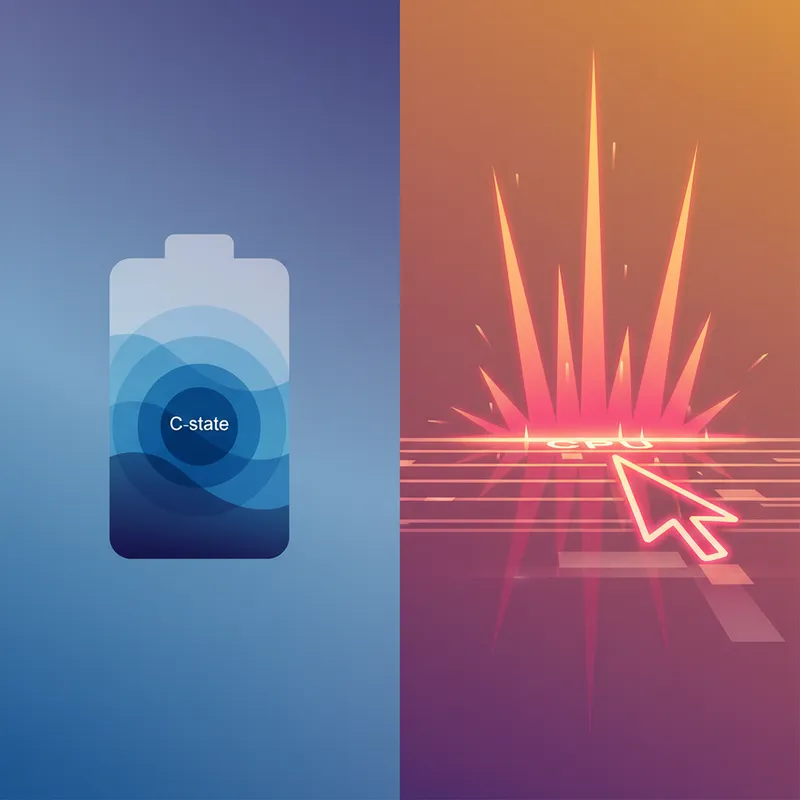
- C-states: CPUs save power by diving into deeper idle C-states between bursts. Frequent wake-ups or high-frequency timers cut deep C-state residency and hurt battery life. Expect LLP’s brief boosts to trade a bit of efficiency for responsiveness. (learn.microsoft.com)
- Timer period: High-resolution timers (historically requested via timeBeginPeriod) reduce power saving headroom and can amplify battery drain. On modern Windows, timer behavior changed, but the principle remains: low timer periods keep the CPU from idling deeply. Close apps that force a 1 ms timer before testing. (learn.microsoft.com)
- Foreground QoS and EcoQoS: Windows adjusts process QoS based on user input and inactivity; background work can be throttled for efficiency (EcoQoS). Those policies can shift CPU scheduling around your typing bursts, so keep your test scenario consistent. (learn.microsoft.com)
The WPM vs battery life experiment (AC vs battery, LLP on/off)
Run four 20–30 minute sessions and record WPM, error rate, CPU thermals, and battery drain (where relevant):
1) AC power + LLP ON
2) AC power + LLP OFF
3) Battery + LLP ON
4) Battery + LLP OFF
How to set it up fairly:
- Update first: Install KB5094126 (June 9, 2026). If Windows hasn’t enabled LLP yet on your device, you can wait for the controlled rollout—or, if you’re comfortable with unsupported tweaks, some guides describe enabling/disabling via ViveTool IDs. Proceed at your own risk. (support.microsoft.com)
- Keep brightness fixed (e.g., 50%), disable adaptive brightness, and lock your power mode (Best power efficiency on battery vs Balanced/Best performance on AC) so you’re testing LLP’s effect, not global power plan changes.
- Quiet the background: close browsers with media tabs, cloud syncs, game launchers, and overlays that might raise timer resolution. Use `powercfg /energy` to catch “Outstanding Timer Request” before each run. (learn.microsoft.com)
- Test text, not menus: Use a consistent typing test passage and editor or a trusted typing website. Log WPM and error rate for each 5-minute block to see trends as the device warms up.
- Capture thermals and frequency: Note CPU package temperature and frequency via Task Manager’s Performance tab or your preferred monitor. You’re looking for whether LLP runs the chip hotter or longer under battery.
- Optional latency pass: Do a short 2-minute high‑FPS video capture in each condition to estimate keystroke-to-caret delay.
What early data and reports suggest
- Responsiveness gains: Reports highlight up to ~70% faster shell flyouts and ~40% faster app launches on supported systems. That’s about feel in menus and launches—not necessarily sustained text entry. (windowscentral.com)
- No Settings toggle: LLP is “invisible” and automatic for most users, with rollout controlled on the back end; some systems needed preview updates or feature flags before it appeared. (windowscentral.com)
- Edge cases: A few users (especially on complex hybrid CPUs) reported odd regressions after the update until they rolled it back—reminding us this is a system-level change, not just an app tweak. If your test shows stutters or battery freefall, capture your build/KB and revert to compare. (learn.microsoft.com)
So…should typists enable it?
- If you’re mostly heads‑down in a code editor or document, LLP may not change raw WPM much because the feature appears primarily tuned for shell interactions. Still, if your editor does heavy per‑keystroke work (linting, remote filesystem calls), you might feel snappier bursts. Run the A/B to know for sure. (learn.microsoft.com)
- On battery during long writing sessions, even small increases in foreground burst frequency can reduce deep C‑state residency and nudge temps and fan noise up. If your WPM and error rate don’t improve measurably with LLP ON, keep it OFF (or wait for the rollout switch) when you’re away from power. (learn.microsoft.com)
- For remote workers hopping between meetings, chat popups, and quick edits, LLP’s micro‑responsiveness can feel great on AC and acceptable on short stints of battery. Consider enabling it for “meeting days,” then return to a battery‑friendly baseline when traveling. (windowscentral.com)
Reproduceable checklist (so your numbers are defensible)
- Update channel: Note exact Windows version and KB (e.g., Windows 11 25H2, KB5094126). (support.microsoft.com)
- Availability: Record whether LLP is present by build/KB or enabled via preview (KB5095093) or feature flag. (windowslatest.com)
- Timer state: Run `powercfg /energy` and confirm no high‑res timer requests before each run. Screenshot the report line “Processes Changing Timer Resolution.” (learn.microsoft.com)
- Power mode: Lock screen brightness and power mode per condition; don’t change mid‑run.
- Steady apps: Same typing test passage, editor/site, and network state; no downloads or indexing kicks.
- Report: For each 20–30 minute session, log average WPM, error rate, CPU temp range, average frequency, battery % change (battery runs), and any subjective feel.
Bottom line
- Enable LLP on AC when you care about instantaneous feel—opening files, switching windows, or working in snappy bursts. It likely won’t revolutionize sustained typing WPM, but it helps the “Windows feels fast” factor. (windowscentral.com)
- On battery, test your workflow. If WPM/error rate don’t budge, the extra bursts are probably not worth the C‑state and battery trade. Keep it off (or let the rollout keep it off) when you’re unplugged. (learn.microsoft.com)
Keywords: Windows 11, Low Latency Profile, typing latency, battery life, keystroke-to-caret delay, C-states