Why your keyboard is suddenly a privacy risk
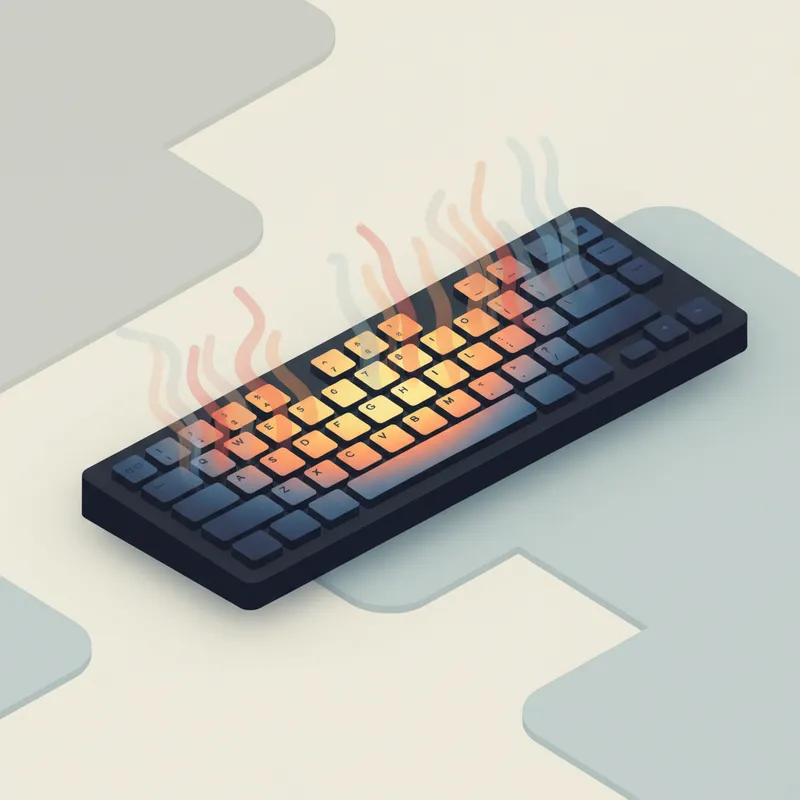
If you’ve ever hovered a hand over your keyboard after typing a password, you’ve felt it: lingering warmth. Thermal cameras can see that residual heat clearly—and attackers can use it. In lab and realistic office tests, researchers showed that photos snapped 20–60 seconds after password entry can reveal pressed keys with striking accuracy, even reconstructing long passwords. (arxiv.org)
- In one study, an AI-driven system (“ThermoSecure”) revealed 86% of passwords when the thermal photo was taken within 20 seconds, 76% within 30 seconds, and 62% after 60 seconds. Shorter passwords were especially vulnerable (up to 100% for 6 characters, 93% for 8, 82% for 12, 67% for 16). (gla.ac.uk)
- Earlier work (“Thermanator”) found non‑expert attackers could recover entire key sets up to 30 seconds and partial sets up to a minute after entry. (arxiv.org)
Good news: you can meaningfully reduce this risk with smarter materials, faster cadence, and tiny post‑typing habits.
The material factor: ABS vs PBT keycaps
Most stock keyboards ship with ABS plastic keycaps; many enthusiast and higher‑end boards offer PBT. Why you should care:
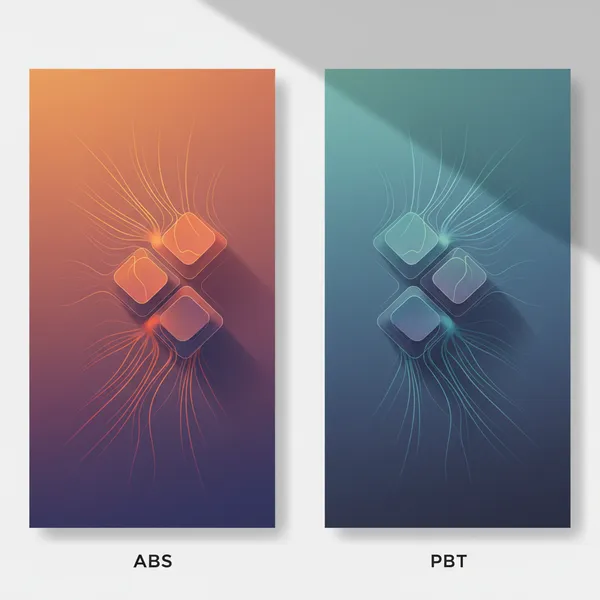
- In ThermoSecure’s tests, passwords typed on ABS keycaps were recovered far more often than on PBT: about 52% average attack accuracy on ABS versus 14% on PBT. That’s a big, practical gap in “thermal readability.” (eprints.gla.ac.uk)
- Independent of attacks, PBT is known to be tougher and more heat‑resistant than ABS—one reason it’s favored for durable keycap sets. (rtings.com)
What’s going on physically? Plastics differ in how they store and move heat. Typical data sheets list ABS thermal conductivity roughly around 0.15–0.20 W/m·K and PBT in a similar but sometimes higher range (≈0.17–0.28 W/m·K), with specific heat capacities around 1.3–1.8 J/g·K depending on the formulation. Small differences, surface texture, and thickness can change how heat spreads and cools—and the Glasgow team directly measured the security impact in real keyboard use. In short: don’t sweat the exact numbers; trust the observed outcome—PBT read cooler, faster in their experiments. (innovatethermoplastics.com)
A note on color and finish: in long‑wave infrared, most plastics have high emissivity (~0.9), and paint color (black vs. white) matters far less than surface finish (matte vs. glossy) for what a thermal camera “sees.” (flir.com)
Speed, dwell time, and your typing style
Thermal attacks love slow, deliberate typing. Hunt‑and‑peck typists tend to leave fingers on keys longer and with larger contact areas; their passwords were guessed about 92% of the time (within 30 seconds) versus 80% for faster touch‑typists in ThermoSecure’s user study. Touch‑typists also create “chaff” by resting on the home row, adding confusing warm spots. (gwern.net)
Translation for typists: faster, lighter, more fluid entry shortens dwell time and shrinks heat transfer. That buys you precious seconds of deniability.
Post‑typing habits that help (more than you’d think)
The original Thermanator paper suggested simple “chaff” behaviors right after typing a secret: briefly swipe your palm over the board or tap a few harmless keys to add heat noise. Even small motions scatter the pattern and degrade reconstruction attempts—especially during that first critical 20–30 seconds. (arxiv.org)
Also useful from ThermoSecure’s guidance: longer passphrases, typing them fluidly, and (counterintuitive but helpful) using backlit keyboards, which add background heat that makes clean thermal reads harder. (gla.ac.uk)
A 5‑minute “heat‑leak risk” self‑test
If you or your team can borrow a thermal camera (even a phone add‑on like FLIR One), run this quick check.
1) Baseline
- Type a typical password or passphrase once, then step away.
- Snap thermal photos at 20s, 30s, and 60s. On each image, count how many distinct warm keys you can clearly identify (0–all). Rate each timepoint as High (most keys), Medium (some), or Low (few/none).
2) Cadence check
- Repeat twice: once typing slowly and deliberately (hunt‑and‑peck style), once as fast as you comfortably can. Compare readability scores.
3) Material check
- If you have multiple boards or spare keycap sets, compare ABS vs PBT under the same timing. Expect ABS to “read” hotter for longer. (eprints.gla.ac.uk)
4) Habit test
- Type the same secret, then immediately: (a) brush your palm lightly across the keys; or (b) tap a quick row of innocuous keys (e.g., asdf jkl;). Re‑image at 20–30s and note the drop in readability. (arxiv.org)
Scoring your risk
- High risk: Most pressed keys are still separable at 30 seconds.
- Medium: Pattern is partially readable at 30s, mostly gone by 60s.
- Low: Few or no pressed keys are separable by 20–30s.
Mitigation checklist for individuals
- Prefer PBT keycaps (or boards that ship with PBT) for logins and sensitive work. (eprints.gla.ac.uk)
- Use longer passphrases and type fluidly to reduce dwell time. (gla.ac.uk)
- Add chaff: a quick palm swipe or a few random non‑destructive taps right after entering a secret. (arxiv.org)
- Consider backlit keyboards for sensitive stations; the extra illumination heat raises the noise floor. (gla.ac.uk)
- Don’t walk away immediately after typing a password—give it a minute if you’re in a shared space.
- Favor password managers and SSO; they reduce how often you type secrets at all. (Side‑channels can’t read what you didn’t type.)
- Turn on strong MFA, so a guessed password isn’t the whole key.
Mitigation checklist for teams
- Standardize on PBT keycaps for front‑desk kiosks, labs, and shared hot‑desks. Document this in procurement specs. (eprints.gla.ac.uk)
- Train staff to lock screens instantly and to add chaff after password entry in public or semi‑public areas. (arxiv.org)
- Prefer longer passphrases and encourage touch‑typing practice for critical roles (admins, reception, SOC analysts). (gla.ac.uk)
- Where feasible, use authentication methods that don’t rely on keyboard entry (FIDO2 keys, biometrics). (gla.ac.uk)
- For high‑risk environments, validate with a quick thermal walkthrough—capture a few real desks and confirm your policies are working.
Mechanical keyboards and security: what actually matters
Switch type doesn’t meaningfully change thermal risk—the keycap surface does. Mechanical boards make it easy to swap to thick, textured PBT sets and often include backlighting—both practical wins. Prioritize PBT, keep legends high‑contrast for usability, and add the habits above. (rtings.com)
One more wrinkle: hybrid side‑channels
Researchers have also explored combining thermal with other cues (e.g., typing sounds) to improve reconstruction. That’s another reason to layer defenses—materials, cadence, chaff, and MFA—rather than relying on any single fix. (arxiv.org)
---
Bottom line: Thermal “readability” is real, but it’s manageable. Choose PBT where you can, type fluidly, add a second of chaff, and lean on longer passphrases and MFA. Those small moves buy you the seconds that make thermal attacks stumble.