Why your keyboard’s loudness should be measured, not guessed
If you’ve ever argued whether a board is “thocky” or “clacky,” you already know: vibe checks aren’t measurements. A-weighted decibels (dBA) approximate how our ears perceive loudness across frequencies and are the basis for workplace noise rules. NIOSH recommends an exposure limit of 85 dBA averaged over an 8-hour day, using a 3 dB exchange rate (every +3 dB halves the allowable time). That’s the anchor for hearing safety at work. (cdc.gov)
One more reality check: a 10 dB increase is typically perceived as “about twice as loud” even though it’s 10× more sound energy. If your keyboard’s peaks sit 10 dB above the office background, coworkers will hear it as a big jump. (nidcd.nih.gov)
The plan: a repeatable mic-based “Quiet Score” you can run during typing tests
We propose adding a noise panel to your typing site that estimates real-world A-weighted levels at the “operator position” and converts them into a simple Quiet Score. It uses three ingredients:
1) A-weighted sound levels (LAeq and LAFmax)
- LAeq (equivalent continuous level) during a 60–90 second typing sample.
- LAFmax (Fast, 125 ms time-weighting) to capture sharp peaks from bottom-outs and stabilizers.
2) A real-world microphone setup
- Place the mic where your ear is: 50 cm from the spacebar, 60–70 cm above the desk, slightly off-axis (about 30–45°) to reduce breath pops.
- Why this spot? Lab standards for IT equipment (ISO 7779/ECMA-74) measure A-weighted sound at specified “operator/bystander” positions, commonly 1 m. We adapt that idea to the typist’s ear distance for practical, at-desk testing. Just note the distance you used in your results. (committee.iso.org)
3) An optional one-minute calibration step
- Use the free NIOSH Sound Level Meter (iOS) on a smartphone. With your laptop/USB mic and your phone held side-by-side at ear position, play the site’s built-in pink-noise calibration clip for 10–15 seconds and enter the phone’s LAeq into the site. We compute the offset so your browser’s mic matches the reference. NIOSH’s app has been shown to closely track pro meters in many conditions (often within a couple dB, and even tighter with external calibrated mics), though it isn’t a certified SLM. That’s good enough to anchor home tests to reality. (cdc.gov)
Turning measurements into a Quiet Score
We publish two numbers and a score from 0–100:
- Typing LAeq (dBA): averaged over your sample at the ear position.
- LAFmax (dBA): the highest Fast-weighted peak during the sample.
- Quiet Score (0–100): combines safety and comfort.
How it’s computed
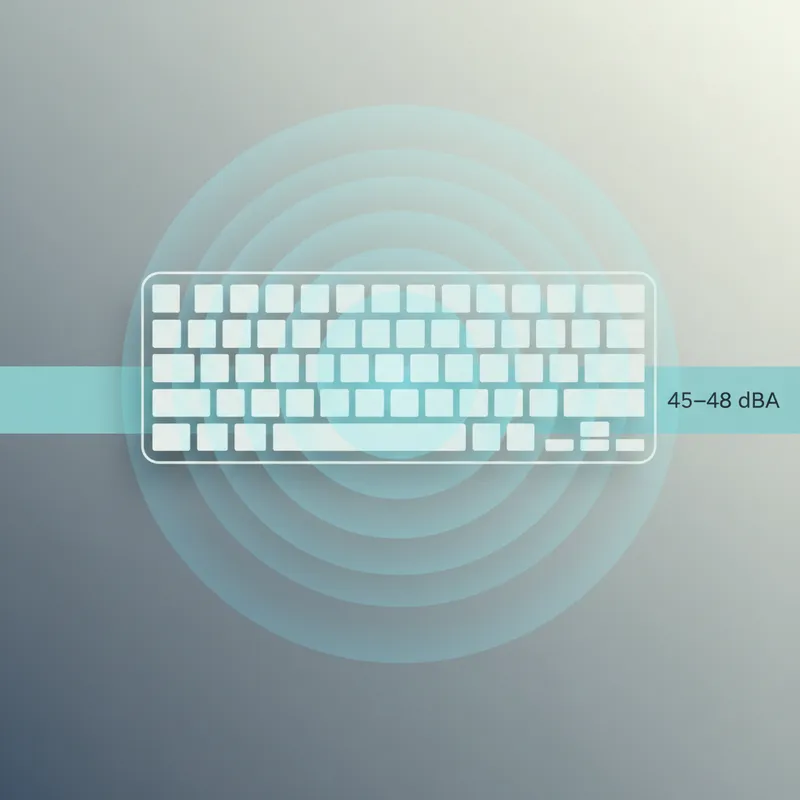
- Safety anchor (NIOSH): We estimate an 8-hour equivalent TWA using the energy average of your measured typing level for the minutes you actually type (default 120 min/day, editable) plus your room background level for the rest (default 45–48 dBA if your office has sound masking; also editable). We then express the result as a percent of the NIOSH 85 dBA daily dose (3 dB exchange). A TWA at 85 dBA equals 100% dose; lower is safer. The site shows your estimated TWA and dose percent. (cdc.gov)
- Comfort anchor (office acoustics): GSA/WELL guidance targets about 45–48 dBA of masking in open plans (and NC-40 max). We reward keyboards whose Typing LAeq stays close to, or only modestly above, that band. Large gaps above background are more distracting. (wbdg.org)
Scoring logic (example)
- Start at 100 points. If your estimated NIOSH dose is under 12.5% (TWA ≤ ~74 dBA), no safety deduction. Past that, subtract proportionally up to 30 points by 100% dose.
- For comfort, subtract up to 50 points if Typing LAeq exceeds your background by >10 dB, and another 20 if LAFmax spikes exceed 75–80 dBA (startle risk).
- We cap penalties so a quiet office with a clicky board doesn’t look “unsafe,” just “unfriendly.” The site shows both sub-scores.
Why this two-anchor approach?
- Most keyboards won’t endanger hearing by themselves (your 8-hour TWA should remain far below 85 dBA). But they can still be very annoying. Using NIOSH for safety and WELL/GSA for comfort acknowledges both realities. (cdc.gov)
Step-by-step: Run the test and get your Quiet Score
1) Measure your office background
- Sit quietly for 30 seconds with the mic at ear position and capture LAeq. If you have masking, expect ~45–48 dBA. Save this as “background.” (standard.wellcertified.com)
2) Calibrate (recommended)
- Hold your phone (running NIOSH SLM) next to your computer’s mic at ear position. Play the site’s calibration noise for 10–15 s, enter the phone’s LAeq, and apply the offset. The app is research-backed for practical accuracy, especially when you avoid covering microphones and keep steady positioning. (cdc.gov)
3) Type your sample
- Pick a 60–90 s text. The site logs LAeq and LAFmax in real time while you type.
4) See the score and what moved it
- We show Typing LAeq, LAFmax, background, estimated typing time/day, your TWA and dose estimate, and the Quiet Score—plus suggestions to improve it.
What actually quiets a keyboard (and shows up in the score)
- Switch choice matters. Clicky switches add high-frequency energy (A-weighting hears that well), spiking LAFmax and moving LAeq up. Silent/“quiet” linears and tactiles typically measure lower. (rtings.com)
- Stabilizers and keycaps. Poorly tuned stabilizers rattle; thicker PBT caps often dull resonances.
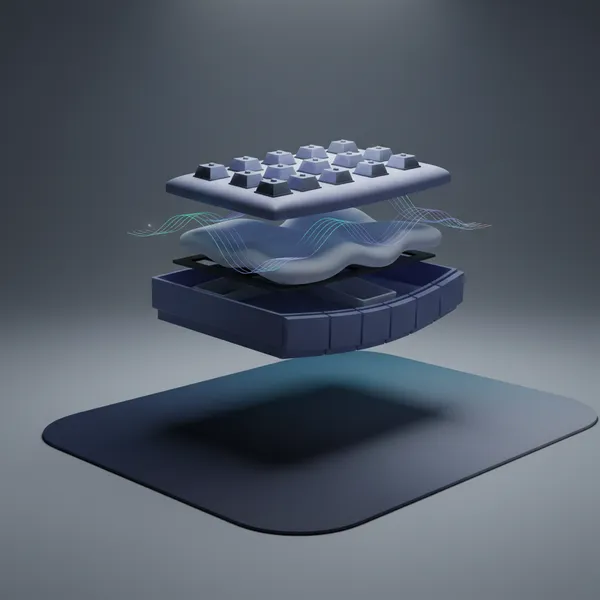
- Case, plate, and foam. Densely built cases, gasket mounts, and carefully placed foam damp ringing and lower peaks.
- Desk and desk mat. Hard desks reflect and couple vibrations; a soft mat under the board can reduce structure-borne transfer (you’ll tend to see lower peaks).
- Lubrication. Switch and stabilizer lube reduces friction noise and sharp transients.
How this relates to lab standards (and what you can replicate at home)
- Lab codes like ISO 7779 and ECMA-74 measure A-weighted levels at defined positions and report both sound power and emission sound pressure. Our method borrows the operator/bystander idea and A-weighting/time-weighting conventions but places the mic at your ear for practical relevance. If you prefer a more “publishable” setup, repeat runs at 1 m microphone distance around the keyboard (front/left/right) and average them, noting your room and distances. (committee.iso.org)
Limitations and good practice
- Smartphone and laptop mics aren’t certified SLMs. Calibrate when possible and avoid covering ports; you can expect results to be within a few dB of a pro meter if you follow the steps. External calibrated phone mics tighten accuracy. (pubmed.ncbi.nlm.nih.gov)
- A-weighting is about perceived loudness, not “annoyance” alone; spectral quirks mean two boards with the same dBA can feel different. That’s why we show LAeq and peaks and encourage spectrograms for the curious. (rtings.com)
- Don’t forget distance: halving distance raises levels by ~6 dB in free field, so always log and compare like-with-like. (osha.gov)
Quick wins to raise your Quiet Score
- Swap to quiet/silent switches and tune stabilizers.
- Add case foam or switch pads; try thicker PBT keycaps.
- Use a desk mat under the board.
- Nudge your mic (and therefore your ear in real life) a bit farther from the board.
- If your office lacks masking, consider a small, broadband sound source that targets ~45–48 dBA near desks to reduce contrast between keystrokes and background. (standard.wellcertified.com)
Bottom line: when your typing site reports A-weighted numbers with a transparent method, you empower users to make hearing-safe, office-friendly choices—and you’ll finally end those “my board is quiet, trust me” debates.